MPoC Isolated SDK
The MPoC Isolated SDK (MineHades) is an Android SDK for contactless card acceptance on a phone. Your app passes it an amount. The SDK reads the card over NFC, runs the EMV kernel, captures the PIN on a secure PIN pad, encrypts the card data and returns the result to your app. Your app owns the rest of the transaction flow and sends the encrypted data to your payment host.
Building your own SoftPOS app is one of three ways to integrate with MineSec. If you would rather not handle the transaction flow yourself, see Choose Your Path.
Where it fits
Architecture
The SDK works with one MineSec backend service, the Attestation & Monitoring Service (AMS):
- Attestation and monitoring registers each SDK instance and runs security checks on the SDK and the device.
- Key management (KMS), a component of AMS, provisions the payment keys when the SDK registers.
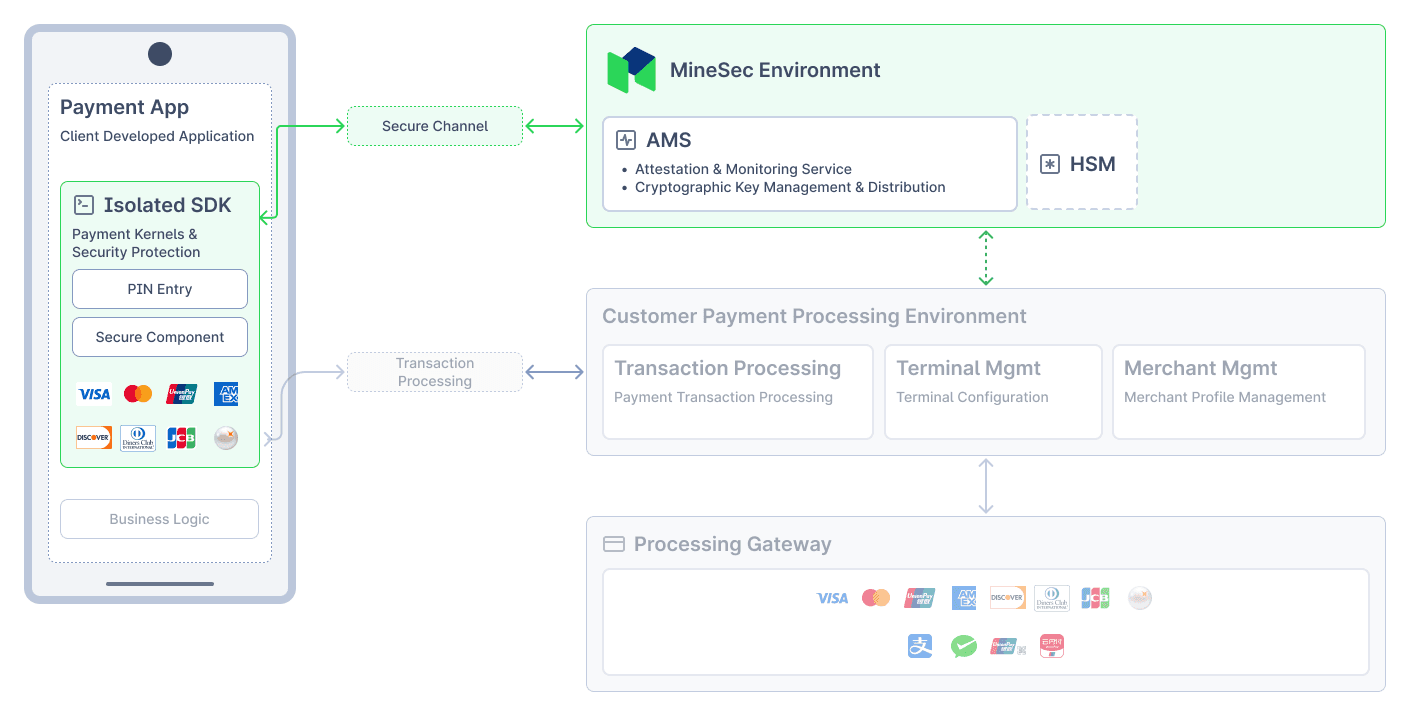
The payment engine runs in its own Android process, separate from your app. The SDK keeps that process alive while your app is in the foreground and restores it automatically if Android stops it.
Features
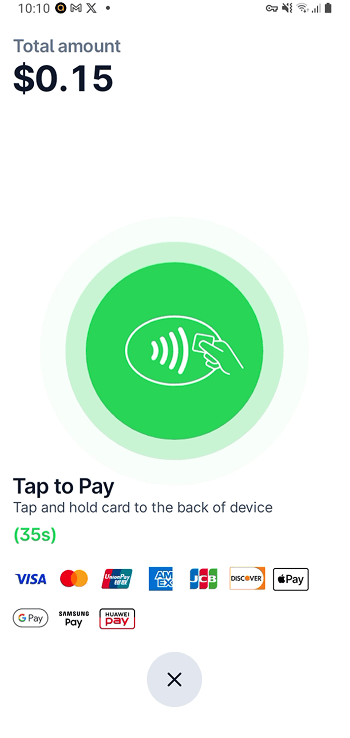
- Contactless sale and refund: card reading over NFC with the SDK's own payment screens.
- EMV kernels: Visa, American Express and Discover kernels, plus the MineSec kernel for the other schemes. Visa, Mastercard, American Express, UnionPay, Discover and JCB are configured by default; MyDebit and PURE can be enabled through EMV configuration.
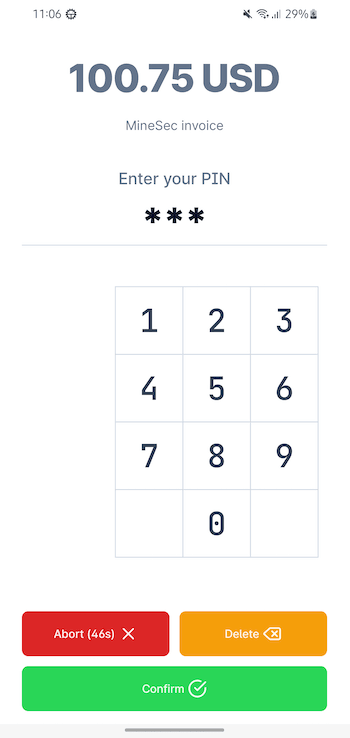
- PIN on Glass: online PIN entry inside the transaction on a secure PIN pad, plus standalone PIN capture (for example, for strong customer authentication).
- Card data protection: track 2 data and PIN blocks are encrypted under DUKPT keys, so your app never handles clear card data.
- EMV configuration: read and update terminal parameters, AIDs and CAPKs.
- Signing and encryption: sign data with the SDK's per-device key, and encrypt your own payloads with the card working key.
- Customizable UI: restyle the payment screens and the PIN pad, and show PIN pad text in the cardholder's language. See UI Customization.
- Security checks: device and runtime checks plus online attestation with AMS, designed for PCI MPoC compliance.
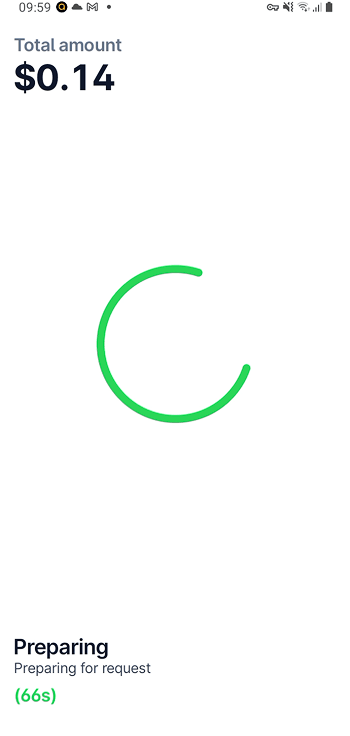
Default UIs
Requirements
| Platform | Android 11 (API level 30) or later, with NFC |
| CPU architecture | arm64-v8a, armeabi-v7a |
| Permissions | Your app must request the CAMERA permission at runtime. The SDK declares the other permissions it needs. |
| License | A license file issued by MineSec, placed in your app's assets/ folder |
Card acceptance is contactless only.
SDK variants
core-mpoc-stage | core-mpoc | |
|---|---|---|
| Use for | Integration and testing | Production |
| Security checks | Off | All on |
| AMS and key management | Test environment | Production environment |
Your responsibilities
The SDK protects card data, the PIN and keys inside your app. You remain responsible for:
- The secure channel between your app and your backend. See Secure Communications for the PCI MPoC requirements.
- Checking the attestation status of each SDK instance from your backend before you authorize a transaction. See the AMS API Reference.
- Decrypting card data on your backend with the DUKPT keys, and sending the transaction to your payment host.
The SDK supports sale and refund transactions only. It has no void or reversal API.
Next steps
- Follow the Quickstart to add the SDK to an Android project and run a first sale.
- Read the API Reference for initialization, EMV transactions, PIN capture and UI customization.
- Connect your backend to AMS using the AMS API Reference.
- Check the Release Notes for the latest SDK version.